
Secure Browser
Photo email
Kiosk with payment methods: bill payment, coins or credit card
Browser Skin
XWorld Underwater Startpage Template
Content Filtering
Description
SiteKiosk software locks down and secures any public access Windows PC, kiosk, terminal and self-service station. The secure browser software restricts user access to the operating system, the desktop, programs and folders based on your settings. You can also limit Internet access to certain web sites or activate the content filter to block objectionable or illegal websites. The software comes with different browser skins, virtual keyboards for touch screens and payment functionality. SiteKiosk software is commonly used for:
Internet PCs and Kiosk
School & University PCs
Library PCs
Information Kiosks & PCs
Trade show & Exhibition Kiosks
Ticketing Kiosks
Retail Kiosks and PCs
Customer Support Kiosks
HR/Employee Kiosks
Financial and Banking Kiosks
Healthcare Kiosks
Check-in Kiosks
Order Entry Kiosks
Photo Kiosks
Government Kiosks
Ticketing Kiosks
Coin Phone Kiosks (VoIP)
Main Features At a Glance
User Access & System Security Management (PC lock-down)

SiteKiosk safeguards Windows computers as soon as it boots up against any user manipulation and ensures a maintenance-free operation of your computers 24/7. Our software locks down the computer by creating a secured user account with limited user access rights. Users are prevented from accessing the operating system. You can restrict user access to certain drives, folders, programs and URLs. System-critical keyboard combinations are blocked and a software watchdog monitors your computers.
Customizable Browser, Startpage and Virtual Keyboard Skins

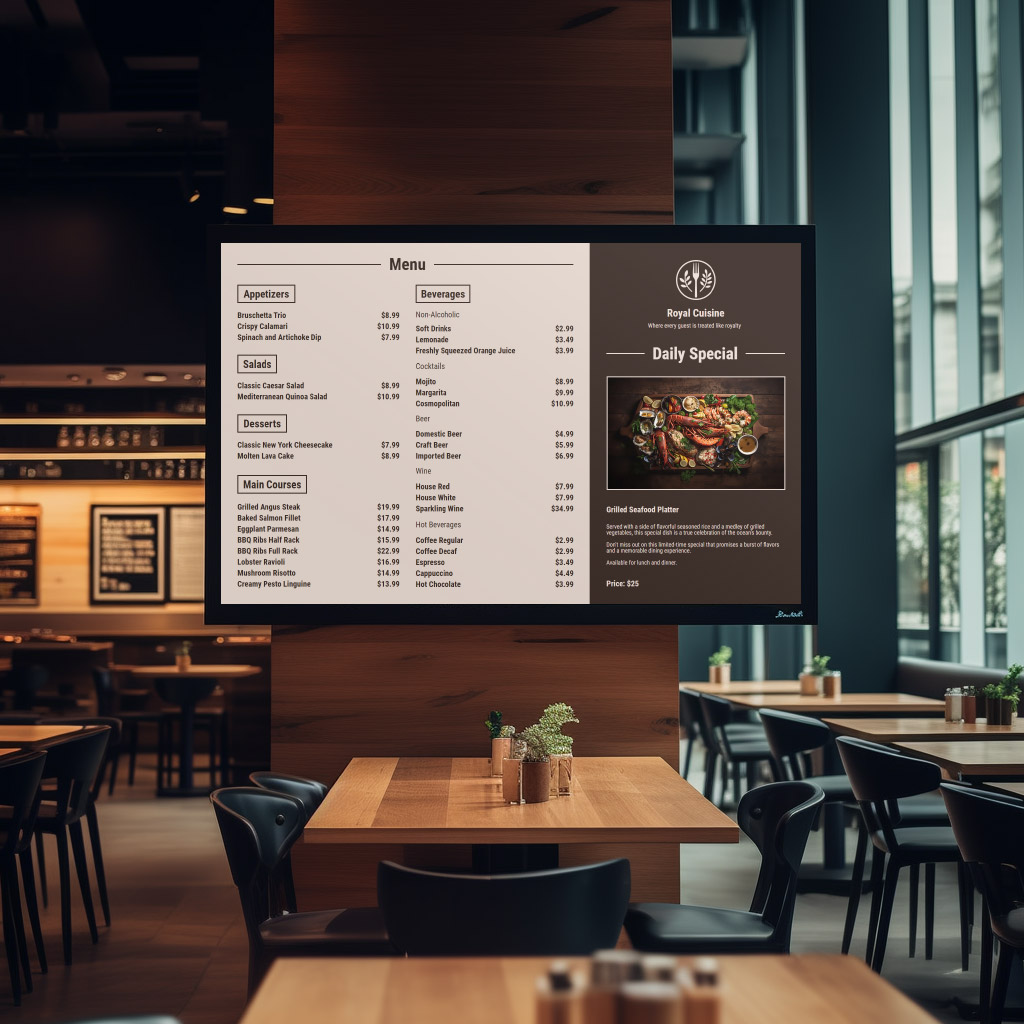
SiteKiosk’s integrated kiosk browser is based on Microsoft’s Internet Explorer and is capable of displaying the same content such as Web pages, images (.gif, .jpg, .png, and .bmp), videos, Flash and PDF files, etc. Our software comes with a variety of different browser skins, startpages and virtual keyboards which are customizable. You can add and delete buttons, disable the URL address bar and the task bar and restrict internet access to certain internet addresses (URLs).
Integrated Billing Functionality & Internet Content Filter

SiteKiosk allows you to charge customers for using your computers and for surfing the internet. The software supports different credit card gateways and payment devices such as credit card readers and cash acceptors. SiteKiosk also provides an integrated Internet content filter that enables you to block unwanted web content such as objectionable and illegal websites. This feature includes automatic updates and can be scaled based on your individual settings. Click here for more information.
Support for Touchscreens, Secondary Monitors, Proximity Detectors & other Peripheral Devices

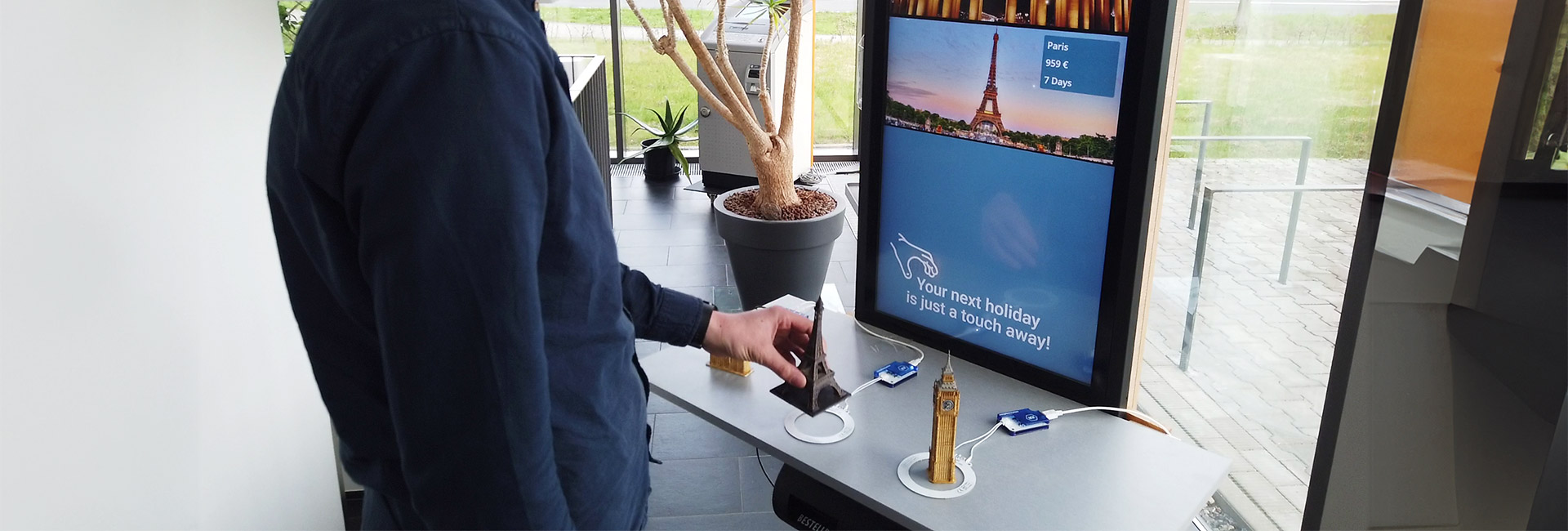
SiteKiosk allows you to utilize many different devices which enhance the functionality of your public PCs and kiosks. The integrated virtual keyboard supports touch screens; different on-screen keyboard skins are available. The software also supports web cams, certain proximity detectors, secondary monitors and provides for printer monitoring.
Remote maintenance: Central management and monitoring with SiteRemote.

Monitor, manage, and configure all your remote SiteKiosk computers through an account on our server at www.siteremote.net or install your own SiteRemote server. SiteRemote provides all the features you need to manage your remote machines: Remote desktop/VNC, file transfer, alert system (email/SMS), reporting, log files / log file data filtering, software and hardware inventory, hardware monitoring, screenshot functionality, folder synchronization, map functionality to locate clients (Bing und Google Maps), job functionality (execute scripts, run executable, file upload), editing and download of configuration, auditing / user management, virtual folders for client management, etc. Click here for more information.
Challenges of Deploying Public-access Computers
“A public-access computer must both be very easy to operate and provide protection against vandalism.”

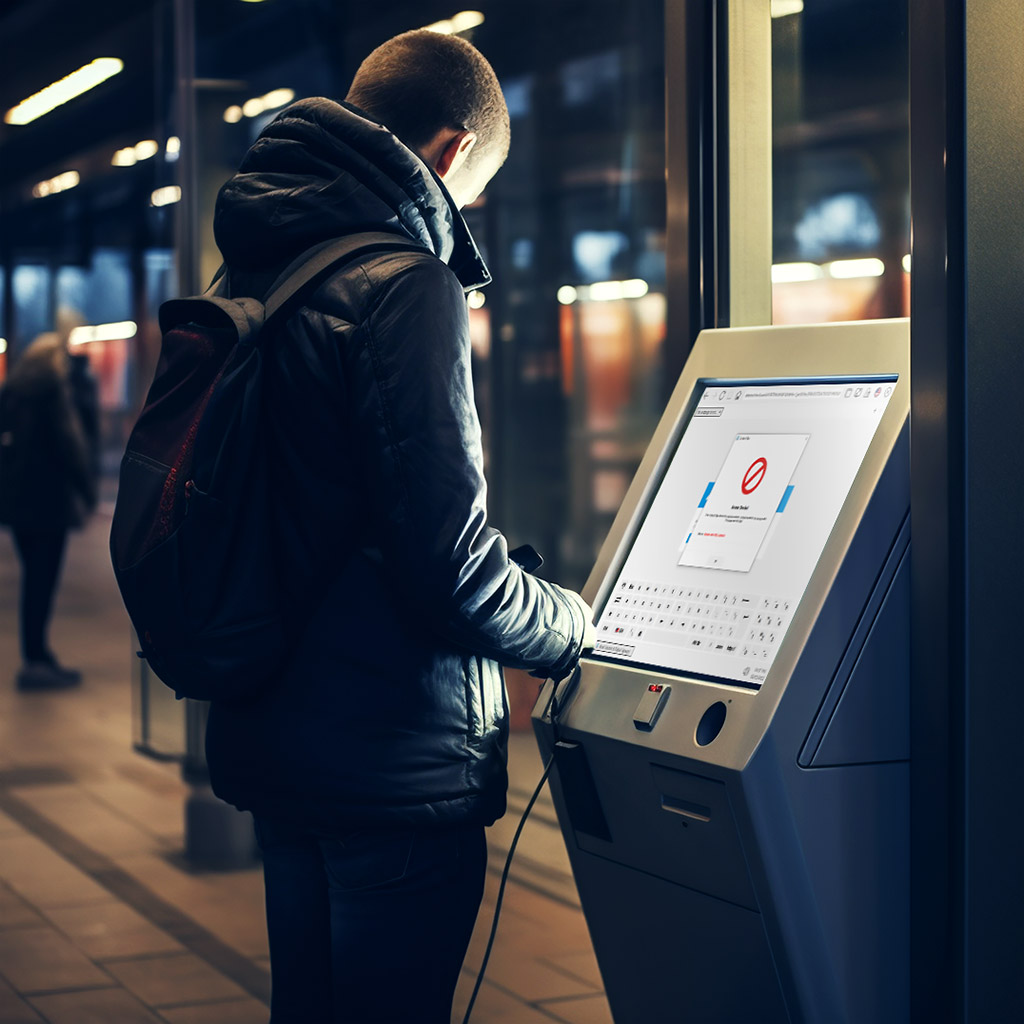
Most people immediately think of physical damage when they hear the term “vandalism”. However, a more serious concern with kiosk terminals exist, called “computer vandalism”. Computer vandalism involves the manipulation of the operating system and critical files/folders, causing the terminal to malfunction. The result of this occurrence ranges from loss of revenue, damage to the company’s reputation and administrative costs for repairs.
Challenges of  Deploying Public-access Computers
User Manipulation
User Manipulation
An example of unacceptable user manipulation is turning on High Contrast mode, which changes the colors and resolution of your screen, affecting the usability of the kiosk terminal. Try it yourself by pressing the keys LEFT-ALT + LEFT SHIFT + PRINT SCREEN simultaneously and followed by OK (reset the monitor’s settings by pressing this key combination again). Though it may seem harmless and not as serious of an issue as crashing the operating system, it still can have the same results. If a customer does not know how to undo the effects of this key combination, it will prevent the user from using the terminal, causing loss of revenue and damage to the company’s reputation.
To ensure the safety and security of these terminals, you will need to employ kiosk software that guarantees the operation and protection of your systems 24/7. SiteKiosk software offers the following critical security features:
  • Monitors and protects the operating system against manipulation by computer vandalism and hacking
  • Secures system drives, folders and files from unauthorized access
  • Protects the terminal against most viruses, trojans, and destructive scripts
  • Allows access to programs and applications specifically authorized by the administrator
  • Deactivates undesired function keys and system critical key combinations
  • Restrict or prohibit the downloading of files from the Internet
  • Allows administrators to define which domains/URLs the user is allowed to access and restrict undesirable websites
  • Automatically processes program restarts in the event of software error
  • Deletes user data at the end of each session
  • Logs out automatically after extended periods of inactivity
  • Closes any open windows and programs at the end of each session
  • Automatically updates software
  • Schedules date and times of system restarts and shutdowns
  • Logging and saving all user interaction

SiteKiosk also has a wide range of additional functions which will allow you to customize this kiosk application to suit your individual needs and requirements. All you have to do is decided what content you want to display and leave the rest to the SiteKiosk software.

For a view of its product highlights, check out this overview of SiteKiosk functions.
Compatible with Windows 7
Easy configuration
Easy configuration
Using the Configuration Wizard, included with all versions of SiteKiosk, configuring the software is fast and easy. No programming skills are required as you are taken step by step through the setup process.

Each section of the Configuration Wizard features a “Help” button, which will provide you with more detailed information on the corresponding setup option.
Integrated virtual keyboard supports touchscreens
SiteKiosk is perfect for use with touchscreens. You can have a touchscreen keyboard pop up for certain content or on specific Web sites. A great number of keyboard layouts suitable for a wide selection of different countries is already included.
Integrated virtual keyboard supports touchscreens
Basic Version, Plus, and Payment Bundle
SiteKiosk is available in three different versions with different features and prices: Basic, Plus Bundle, and Payment Bundle. The Basic version includes all of the features and functions listed above. The Plus Bundle includes the standard features included in the Basic version and additionally offers an Internet Content filter, touch screen support, and video e-mail capabilities (Webcam). The Payment Bundle includes the complete set of SiteKiosk functions and features. Only the Payment Bundle offers VoIP support for Skype and SIP gateways and lets you bill users for such services as InternetCafes or phone calls in exchange for coins, bills, SmartCards or credit cards.

The Features page offers a detailed guide comparing each of the three products.
Customization
SiteKiosk comes packaged with numerous templates and layouts designed to fit your needs.

With the Configuration Tool, the software allows customizing of the interface by adding commonly used buttons and features. Also, additional templates and skins are available for download at no additional charge.
Customization
Skin Selection
Skin technology allows you to easily turn your individual design ideas into reality.

Simply select the desired template and download it. Once you have downloaded it, you can customize your skin even further.
Every time you open the configuration tool, an online connection will check whether there are new skins or more recent versions of your existing skins available.
SiteKiosk Object Model
SiteKiosk is designed with the user in mind, so no programming skills are required. However, some customer projects are more robust and require software with a greater degree of adjustability.
With SiteKiosk, all visible program components are based on open-source scripting and description languages such as JavaScript, XML and HTML.
As these languages are standardized, a web developer can adjust the software to fit your individual needs.

With the SiteKiosk Object Model gives developers the opportunity to expand the regular set of JavaScript commands, by utilizing SiteKiosk-specific objects, methods, events, and properties, making it possible to completely re-program the software.

For instance, the following command will reboot your machine:

  SiteKiosk.RebootWindows()
SiteKiosk includes a comprehensive help file for using the Object Model, including useful examples.
SiteKiosk Object Model
Multiple-language user interface
SiteKiosk ships with over 20 different display languages to accommodate a larger user base. The individual user can select the language of his/her choice as they use the browser interface. SiteKiosk will automatically switch back to the preset default language at the end of the session.
Remote maintenance and administration
Administrators can monitor, manage, and configure multiple kiosk terminals from a single remote location by using SiteRemote at https://www.siteremote.net (free 30-day trial) or purchase our SiteRemote Personal or Business Server Edition.

For more detailed information on remote maintenance and administration, visit our SiteRemote Website.
For an overview of all features including screenshots click here».
© 1996-2012 PROVISIO GmbH / LLC. All rights reserved. Legal Contact T&Cs